 deepblick
Your next Excel job.
Start here.
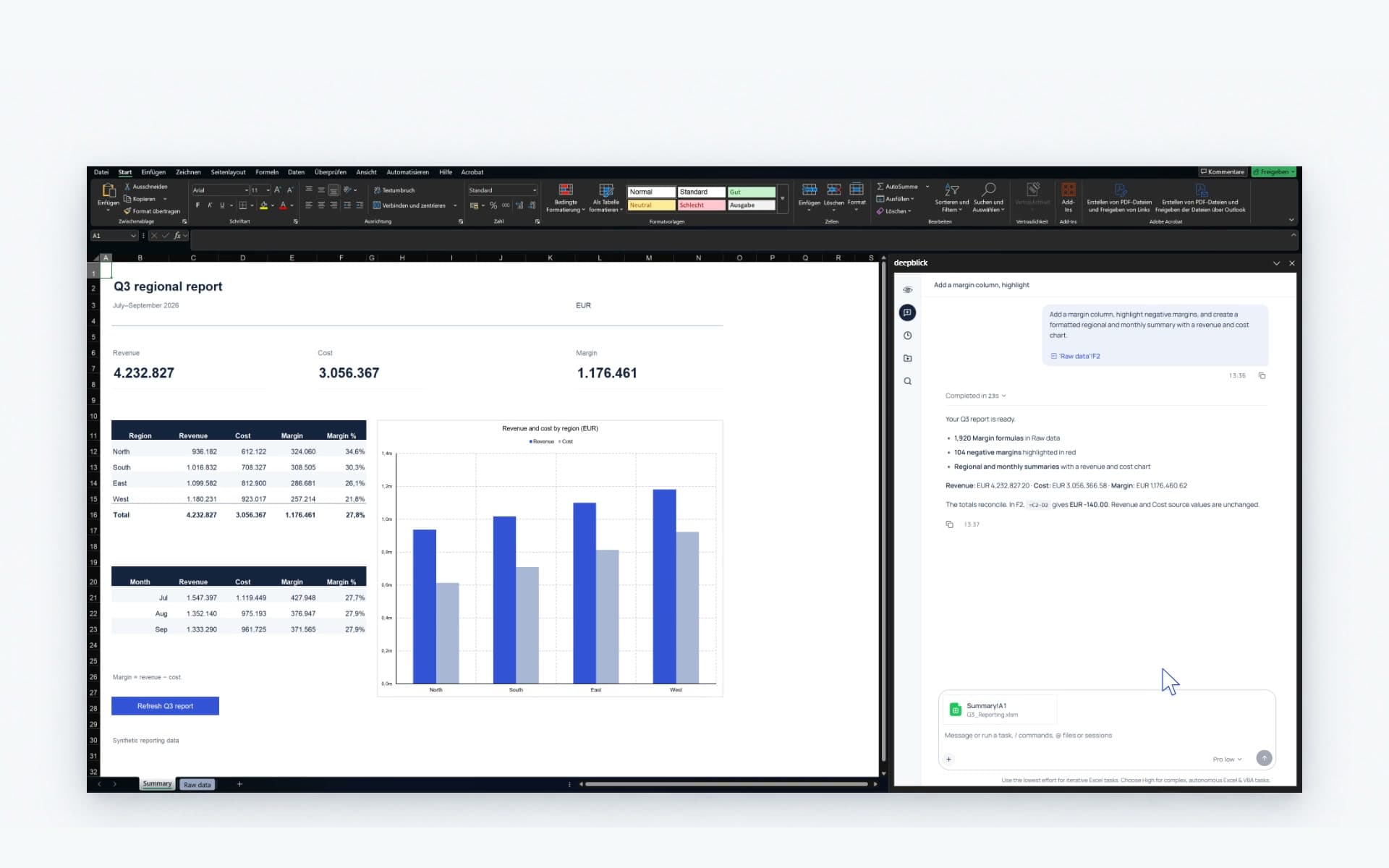
Bring Deepblick into desktop Excel. Work with your files, formulas and VBA, right beside your workbook.
What you need
- Windows x64Excel for Mac and Excel for the web are not supported.
- Microsoft 365 Excel DesktopInstalled on your PC. Your organisation may require IT approval.
- Internet & Microsoft sign-inSign in inside the app before your first AI request.
Before your first task.
Cloud AI can process task and workbook content. Data-handling terms are still being finalised; use synthetic or agreed evaluation data for now.
Need a hand? Book a demoWorkbook data and cloud AI
Deepblick works locally in Excel and can read or change workbook contents, VBA and local files as part of a task. Cloud AI requests are processed through Deepblick's servers and its AI service provider. Depending on the task, they can include your messages, workbook context, file contents, images, tool inputs and results.
Where enabled, the separate Deepblick task-history service also receives task content. App privacy details are still being finalised.
Discuss your data requirementsInstaller details and checksum
- Version
- 0.1.14
- File
- Deepblick-Harness-Setup.exe
- Size
- 290,119,657 bytes
- Published
- Signature
- Unsigned installer
- SHA256
030e8f86bf539bca5ee138bef49ed98e6191ae0990a8de1124291642e8282177